A new wallpaper, a dock, and themes for the whole desktop
lensOS has a new default wallpaper, and the Openbox edition got a full redesign: a floating panel, a dock, a new terminal setup and themes that restyle the whole desktop in one step.
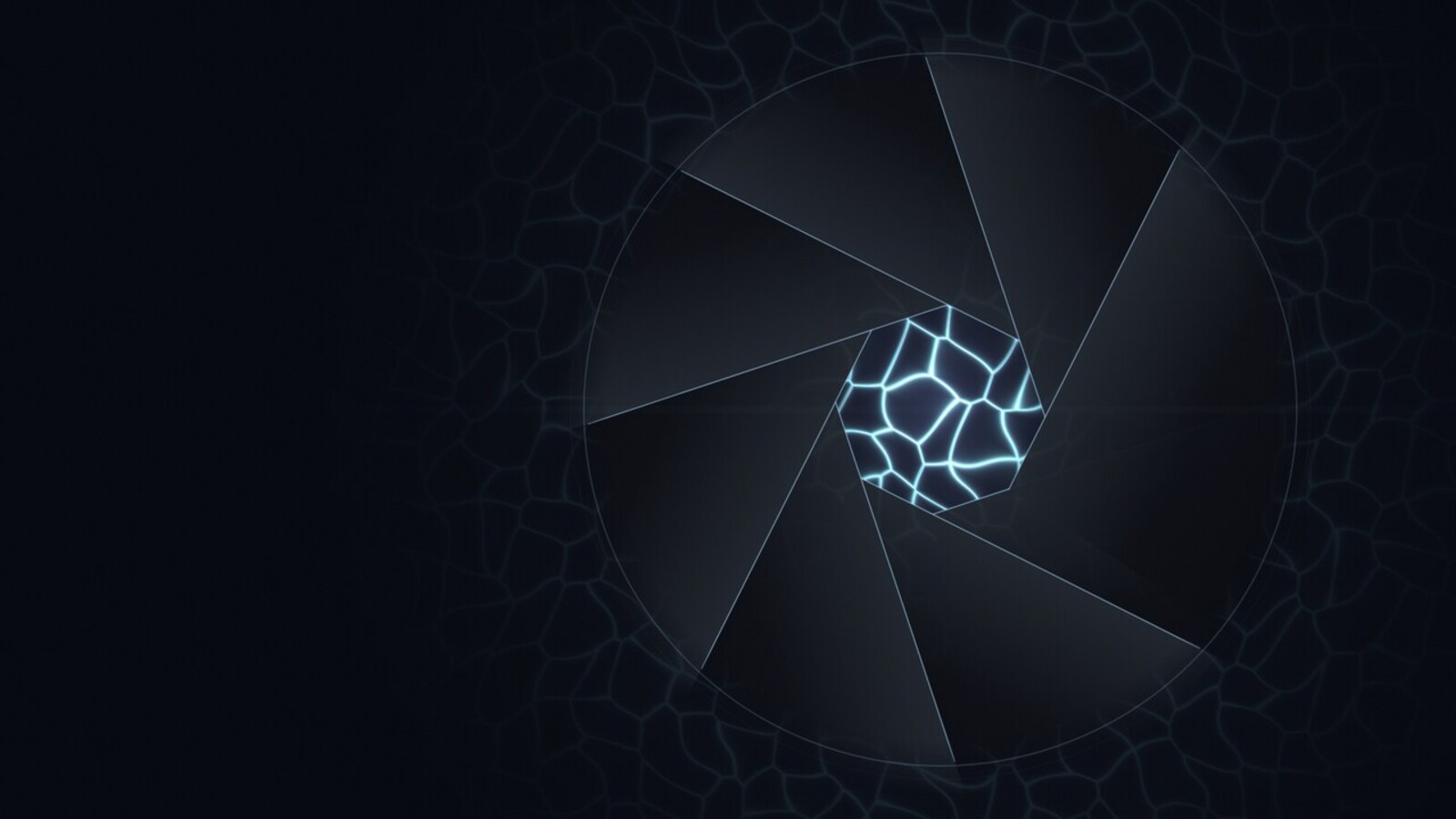
Aperture
The new wallpaper is a camera iris made of dark glass blades, with the rippling light of a pool floor shining through the opening. It’s an aperture (the codename of our first stable release) and a caustic, two optics terms in one picture. It’s drawn by code rather than painted, so every theme gets its own version in its own colours. It’s the default on every edition, KDE included, and on the login screen.
The openbox edition
- a floating panel of rounded pills: launcher, desktops, CPU and memory, the clock, volume, network, battery and the tray. When music or a video plays, a pill with the title and previous / play / next controls appears.
- a dock at the bottom with your apps, which zooms on hover and gets out of the way of windows.
- kitty as the terminal, with a lensOS prompt (starship) and a system summary with the real lensOS logo in the first terminal you open.
- motion: windows grow in, shrink away and glide when moved, with blur and rounded corners on computers with a GPU.
Themes
Press Super + T and pick a theme. The panel, dock, launcher, terminal, notifications, window
borders, GTK accent and wallpaper change together, live.
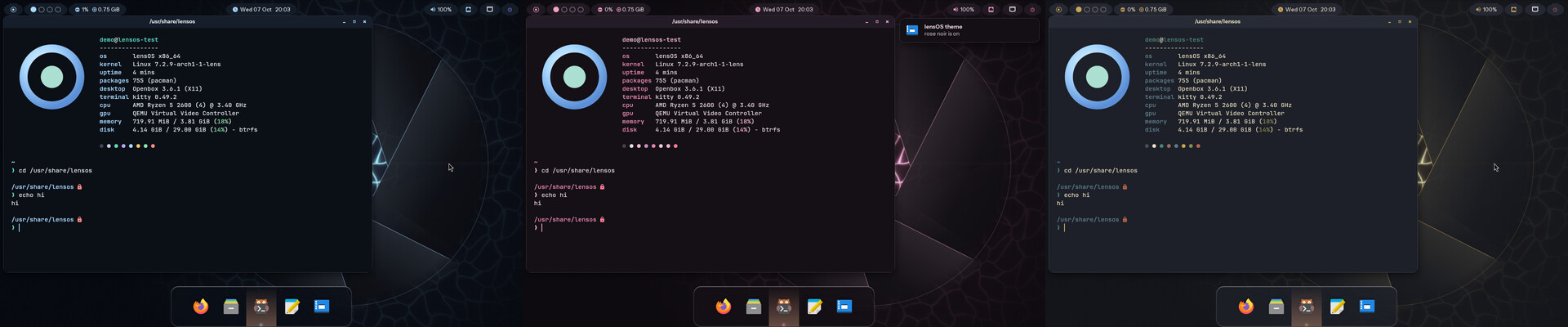
Three themes ship to start: lensos (blue glass), rose noir (black plum and pink) and snowy (ink navy, paper cream and ochre gold). Making your own is one small file of colours; the theming docs show how. KDE gets the same themes with LensGlass (phase 2 on the roadmap).
Still not downloadable: that waits on the signing key, the package server and nightly builds.